 FastClean
Find the big things
See which large files take up space. Review what you need before removing anything.
From a crowded photo library to forgotten downloads, FastClean helps you see what’s taking up space and make considered choices.
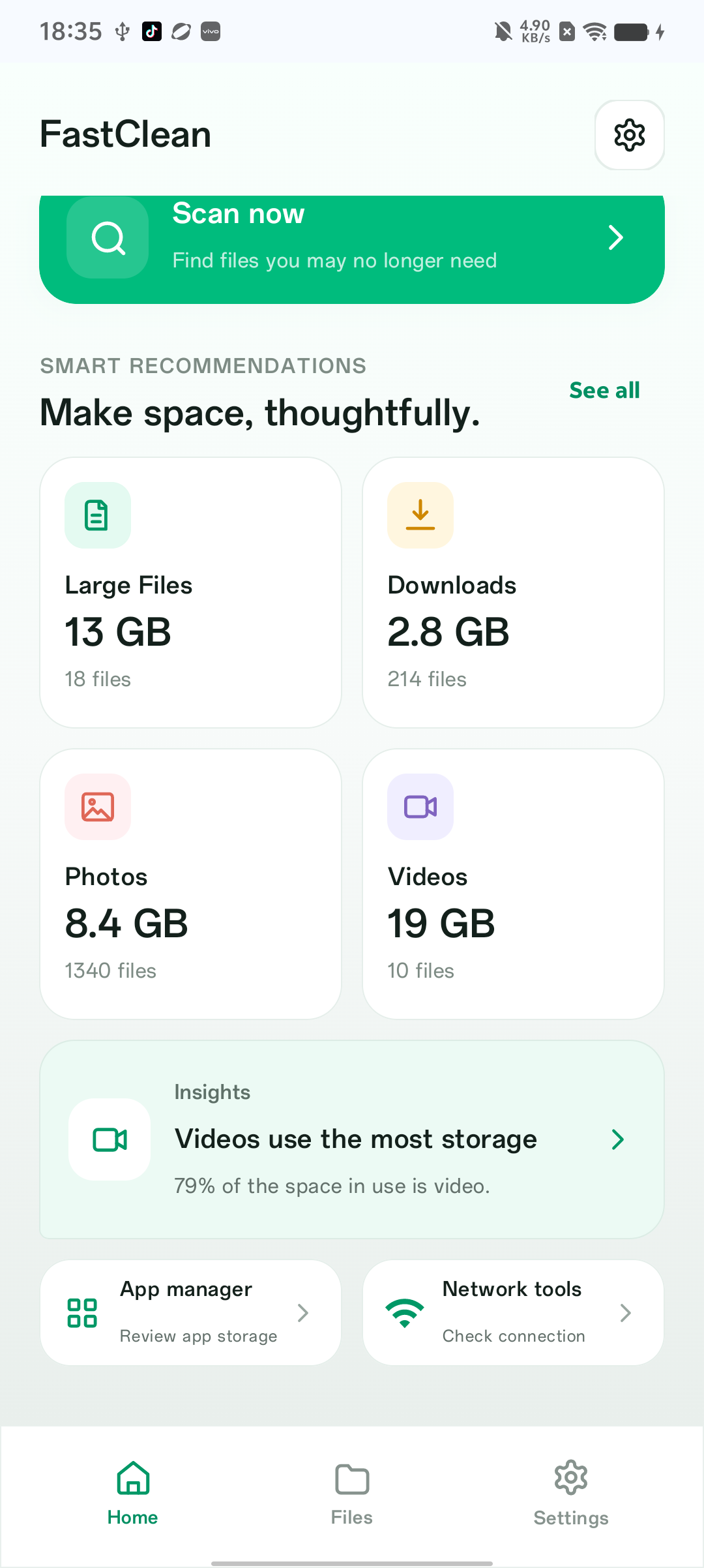
The home screen brings file categories and storage information into a simple overview. Start a scan, open a category, and review files before cleanup.
See which large files take up space. Review what you need before removing anything.

Find similar and duplicate photos, then choose the moments you want to keep.

Browse downloads, videos, documents and APKs in clear, familiar categories.
Media permissions let FastClean display and compare supported files. You can revoke permissions in Android settings.
Use Android’s folder picker for supported document and download categories. The access you grant determines which files can be reviewed.
Features and results vary by Android version, device, permissions and app version. Storage figures in the screenshots are example device data. FastClean does not guarantee recoverable space or a specific performance improvement.